How I Use Claude for Marketing: AI Agents, MCP Connectors and Automated Reporting
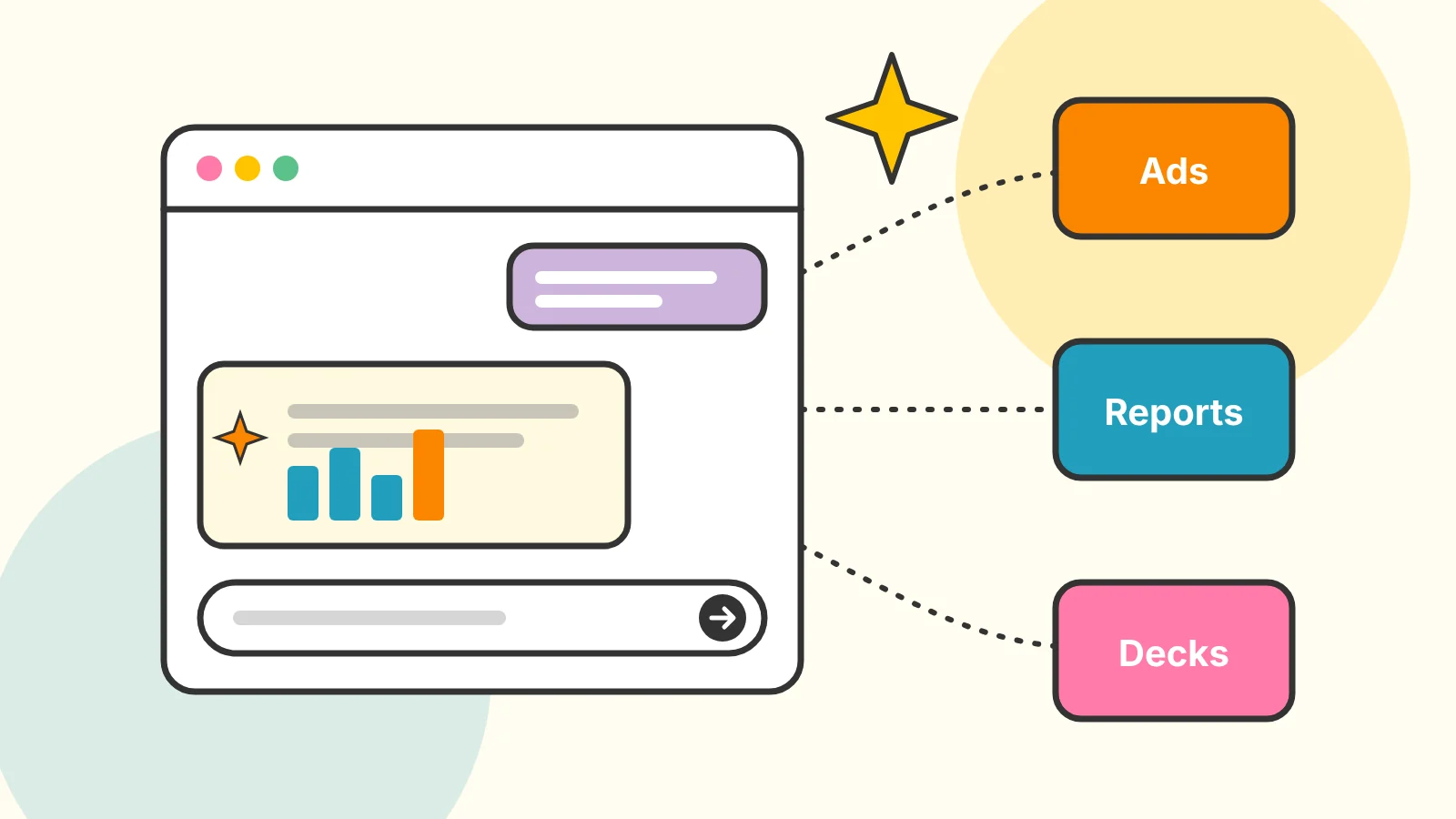
Most marketing teams don’t have an AI problem. They have a busywork problem.
Pulling numbers into a report. Rebuilding the same deck every month. Making the same bid and budget changes across a dozen accounts. None of that is strategy, and all of it eats the hours that strategy needs. That’s where AI earns its keep.
At the healthcare marketing agency where I manage digital marketing and analytics, I built our AI systems end to end with Claude: the skills, the subagents, and the connectors that tie them to the tools the team already uses. They cut client service hours on reporting and campaign work by 35%, and I trained 12 team members to use them. This post walks through how I think about it, without the client-specific details.
TL;DR
- Start with repeatable work: reporting, routine campaign changes and recurring decks.
- Give the AI a single source of truth: a shared client database beats re-explaining context every time.
- Connect the tools with MCP so Claude can read ad platforms and, when allowed, make changes.
- Lock the brand: design systems keep generated decks and collateral on brand.
- Keep people in the loop for anything that touches a client or a live campaign.
- Train on real work, not demos. Adoption is the whole game.
1. Start With the Work Your Team Does Every Week
The best first AI projects aren’t the flashiest. They’re the tasks your team does the same way over and over. Before building anything, list the recurring work and how long it takes. For most agencies, three things rise to the top:
- Performance reporting: pulling data from several platforms, formatting it and writing the summary.
- Routine campaign management: budget pacing, bid adjustments, search term reviews, pausing what isn’t working.
- Client materials: monthly decks, one-pagers and sales collateral.
Our 35% came from the first two: reporting and campaign work.
2. Give the AI a Single Source of Truth
AI is only as good as the context it gets. If every conversation starts with “this client is a neurosurgical practice with three offices, their goal is…,” you’ll spend as much time explaining as you save.
We built a team-wide client database: one shared home for client information, so the details don’t live in one person’s head. When people and agents work from the same facts, you get better answers and far fewer “wait, which campaign was that?” moments.
3. Connect Claude to Your Ad Platforms With MCP
The Model Context Protocol is an open standard from Anthropic that lets Claude connect to outside tools. For marketers, that’s the difference between pasting numbers into a chat and having Claude pull them itself.
I built a custom MCP connector that lets me make changes in Google Ads, Microsoft Advertising and LinkedIn Ads directly through Claude. Instead of clicking through three different interfaces, I can ask Claude for the change and have it made.
A few rules I’d recommend for anyone building or using connectors:
- Start read-only. Let it report before you let it edit.
- Show the plan before the change. Have it list exactly what it will change, then approve.
- Limit access to the accounts and actions it actually needs.
- Log everything so you can see what changed and when.
4. Automate Reporting, Then Read It
Automated performance reporting was one of our biggest time savers. Reports build themselves from the platforms instead of being pulled together by hand.
My advice: always have a person read the report, check the numbers that matter and add the judgment before it goes out. That step is non-negotiable. AI is great at assembling a report and occasionally confident about something that isn’t true. A quick human check is far cheaper than explaining a wrong number to a client.
5. Let Agents Handle Routine Campaign Work
Agentic campaign management means AI agents that take on the repeatable parts of managing accounts across Google Ads, LinkedIn Ads and Microsoft Advertising.
This doesn’t replace strategy. It frees up time for it. When the routine checks run themselves, the team can spend their hours on structure, testing and the conversations clients actually value.
6. Lock the Brand With Design Systems
Generated decks and collateral are only useful if they look like they came from your agency, or your client. We built brand-locked design systems that generate on-brand decks and sales collateral: the brand is built in, so the output is ready for review instead of a redesign.
7. Train People on Their Own Work
The most sophisticated system in the world saves zero hours if nobody uses it. I designed and ran hands-on workshops on Claude and other LLMs, built around the tasks people already do. Watching your own report build itself is far more convincing than any demo.
What I’d recommend:
- Short sessions, each tied to one real task.
- Working examples people could copy the same day.
- A place to share what worked, so good ideas spread.
- Making the AI way the easiest way to get the job done.
8. The Same Tools Build Products, Too
The same approach works beyond agency work. I used Claude Code to take Stampede, a sports app, from idea to the App Store: an AI-directed build where Claude Code handled the implementation while I directed the product, reviewed the architecture and ran the deploys. The skill that matters isn’t typing code. It’s knowing what to build and checking that it’s right.
Wrapping Up
AI in marketing works best when it’s boring: automating the work your team repeats, connected to the tools you already use, with people checking anything that matters. Start with one repeatable task, build it well, train the team on it, and expand from there. The full picture of what I built is in my AI systems case study, and if you’re thinking about how AI is changing search itself, read AI SEO: How Search Is Changing.
Additional Resources
- Model Context Protocol – What is MCP?
- Anthropic – Introducing the Model Context Protocol
- Google Ads Help – About Smart Bidding
Helpful video for those wanting a little bit more!
Frequently asked questions
- Can Claude manage Google Ads?
- With a connector, yes. Through the Model Context Protocol (MCP), Claude can read account data and make changes in ad platforms like Google Ads, Microsoft Advertising and LinkedIn Ads. Keep a person in the loop: review what it plans to change, and start with read-only work like reporting before letting it make edits.
- What is an MCP connector?
- MCP, the Model Context Protocol, is an open standard from Anthropic that lets AI assistants like Claude connect to outside tools and data. A connector for an ad platform lets Claude pull performance data and, if you allow it, make changes, without copying numbers back and forth by hand.
- How much time can AI save a marketing agency?
- It depends on how much of the work is repeatable. At the agency where I built our AI systems, they cut client service hours on reporting and campaign work by 35%. The biggest wins came from automating work the team did the same way every week.
- Is it safe to use AI with client data?
- It can be, with the right setup. Use business plans with clear data terms, give connectors only the access they need, keep sensitive client information out of prompts where you can, and make sure a person checks anything that goes to a client or changes a live campaign.
- How do you get a marketing team to actually use AI?
- Train them on their own work. Hands-on workshops built around real tasks, like pulling a report or drafting ad copy, get far more adoption than demos. Give people working examples they can copy, and make the AI tools the easiest way to do the job.